When patients call healthcare facilities at 2 AM with urgent medication questions, they often reach voicemail or endure lengthy hold times. Meanwhile, staff members find themselves overwhelmed by repetitive appointment scheduling and routine inquiries while critical cases demand their attention. Patient support services automation transforms this scenario by handling routine communications, appointment management, and follow-up care without compromising the personal touch patients expect. The technology dramatically reduces response times while freeing healthcare teams to focus on complex patient needs.
Smart automation systems understand natural language and respond like trained support specialists, managing phone calls, text interactions, and patient outreach while maintaining strict compliance standards. Patients receive immediate answers about prescriptions, test results, billing, and appointment changes, rather than waiting in queues. The system escalates conversations to human experts only when necessary, ensuring staff can focus on high-priority medical care while patients receive round-the-clock support from advanced conversational AI.
Summary
- Manual patient support creates cognitive bottlenecks that no amount of staffing can solve. According to CSI Companies, 30% of administrative time is spent on manual data entry and coordination. Every patient inquiry forces staff to read, assess urgency, determine the right department, and route accordingly. When volume surges during flu season or open enrollment, this decision-making process repeated hundreds of times daily consumes attention that should go toward complex cases requiring clinical judgment. Urgent needs wait in the same queue as parking pass requests, and critical messages often go unread until it's too late.
- IQVIA reports that only 12% of new-to-brand specialty prescriptions were successfully filled on the first try in 2025, meaning 88% of cases require follow-up, clarification, or resubmission. Each one adds to the pile of manual tasks. Hybrid patient support programs combining digital automation with human touchpoints achieve 12-month persistence rates of around 61%, compared to roughly 47% for traditional models. The difference isn't speed; it's that automated systems systematically track follow-ups and trigger interventions before complications require emergency care, removing the failure points where manual processes break down.
- Automated scheduling systems cut no-shows by around 30%, not because reminders are novel, but because they're consistent and structured. Every patient gets the same reliable sequence: confirmation, 48-hour reminder, day-of check-in. No forgotten calls. No inconsistent messaging. Patients trust the system because it behaves predictably, which builds adherence over time. Apollo Hospitals' remote monitoring system reduced hospital readmissions among heart failure patients by feeding vitals directly into clinical systems and alerting doctors when metrics crossed thresholds, ensuring that early warning signs triggered intervention automatically.
- Compunnel's analysis of intelligent automation in healthcare found that organizations implementing self-service scheduling and AI-based routing achieve a 30% reduction in administrative costs by eliminating the coordination overhead that consumes staff time. Real-time calendar integrations prevent double-booking, appointments fill faster, and staff focus shifts from calendar management to patients who need human judgment. According to Clinked, 90% of patients want online access to their medical records, making seamless EHR integration critical for satisfaction and continuity.
- Mount Sinai's RPA implementation automated insurance verification, invoice generation, and the flagging of billing errors. Their finance team reported claim accuracy improved by more than 80%, and denial rates dropped dramatically. But the bigger shift was mental: staff stopped spending energy on repetitive validation tasks and could focus on resolving complex denials that required judgment, negotiation, and problem-solving. Tan Tock Seng Hospital's chatbot, Clare, handled over 60,000 routine queries in its first year, reducing call center load by 40% and freeing staff time to shift toward complex insurance denials and care coordination.
- Conversational AI handles high-volume patient inquiries through voice-based automation, triaging routine questions instantly while escalating complex cases to human staff with full context already captured.
Why Patient Support Services Break Down Under Manual Workflows
The problem isn't that your staff lacks effort. Manual workflows force them to work like switchboards in a time designed for instant routing. Every patient question, appointment reminder, or billing issue requires human intervention: reading, understanding, prioritizing, and responding. When volume increases during flu season, after-discharge follow-ups, or open enrollment periods, the system breaks down.
⚠️ Warning: Manual patient support workflows create bottlenecks that worsen during peak healthcare periods, leading to delayed responses and frustrated patients.

"Every patient interaction requiring manual intervention creates a potential failure point in healthcare delivery systems." — Healthcare Operations Research, 2023
🔑 Takeaway: The issue isn't staff capability—it's that manual processes can't scale with fluctuating patient demands, especially during critical healthcare periods.

The Triage Trap
Manual patient support creates an invisible bottleneck at the first interaction. Staff must determine whether inquiries are urgent (e.g., a patient reporting chest pain) or routine (e.g., requesting a parking pass). This decision-making, repeated hundreds of times daily, depletes cognitive bandwidth and causes delay. According to CSI Companies, 30% of administrative time is spent on manual data entry and coordination, time that could be redirected toward complex cases requiring clinical judgment. Urgent needs wait in the same queue as simple questions, and by the time staff reaches a critical message, the patient may have already visited an emergency room or abandoned care entirely.
When Routing Becomes a Game of Telephone
Patient questions rarely fit neatly into departmental boxes. A billing inquiry might reveal an insurance authorization problem. A scheduling request might uncover a medication concern. Manual systems force patients to be transferred between departments, and each handoff causes friction and information loss. Staff messages go unanswered for hours. Platforms like conversational AI route inquiries based on intent and context, eliminating transfers by connecting patients directly to the right resource or providing immediate answers for routine questions. This reduces resolution time from hours to minutes.
The Cost of Repetition
Most patient questions are predictable: "When is my appointment?" "What do I owe?" "How do I refill this prescription?" These questions don't require a doctor's knowledge, yet they consume the same staff time as complex care coordination. When your team answers routine questions about office hours, they can't help patients with post-surgery complications or prior authorization appeals. Manual systems treat every call as equally important, so nothing receives appropriate attention. Response times lengthen, callbacks get missed, and patients perceive the organization as slow—not because your team lacks competence, but because the workflow doesn't match patient needs.
Why does manual message sorting create operational chaos?
Without smart sorting, every message appears equally important. An automated lab result notification sits next to a patient reporting serious side effects, and a marketing survey request appears next to a caregiver asking about hospice options. Staff must scan, assess, and decide what matters most—a cognitive load that grows with volume. Mistakes follow: a routine follow-up gets handled while a time-sensitive prior authorization request sits unread until the patient's procedure is canceled. Manual workflows lack the structural intelligence to surface what's urgent.
What becomes possible when communication stops being a constraint?
But solving the breakdown is only half the story. The real question is what becomes possible when communication is no longer a constraint.
Related Reading
- How to Use AI in Customer Service
- How Does AI Improve Customer Service
- How Can Ai Help Customer Service
- AI in Customer Communications For Telecommunications
- How Is Ai Improving Restaurant Customer Service
- AI in Customer Communications in the Insurance Industry
- Ai Agent Challenge In Customer Support
- How Ai Is Changing Customer Service In Telecom
- Ai Appointment Scheduling Healthcare
- Benefits of AI in Customer Support
- Ai Customer Support Implementation Best Practices
- How To Use Ai In Customer Service
What Patient Support Services Automation Actually Fixes (Beyond Efficiency)
Automation removes the repetitive cognitive load that buries patient support teams under manual triage, fragmented follow-ups, and inconsistent messaging. It addresses structural flaws that allow critical cases to slip through, cause staff burnout from repetitive inquiries, and erode patient trust due to unreliable communication. The shift moves from human judgment under pressure to structured workflows that automatically surface urgency.

🎯 Key Point: Patient support automation doesn't just speed things up—it creates systematic reliability that prevents critical oversights and reduces the mental burden on healthcare staff dealing with high-stakes decisions.
"Cognitive overload in healthcare settings leads to decreased decision quality and increased error rates, particularly when staff must juggle multiple patient inquiries simultaneously." — Healthcare Management Science, 2023
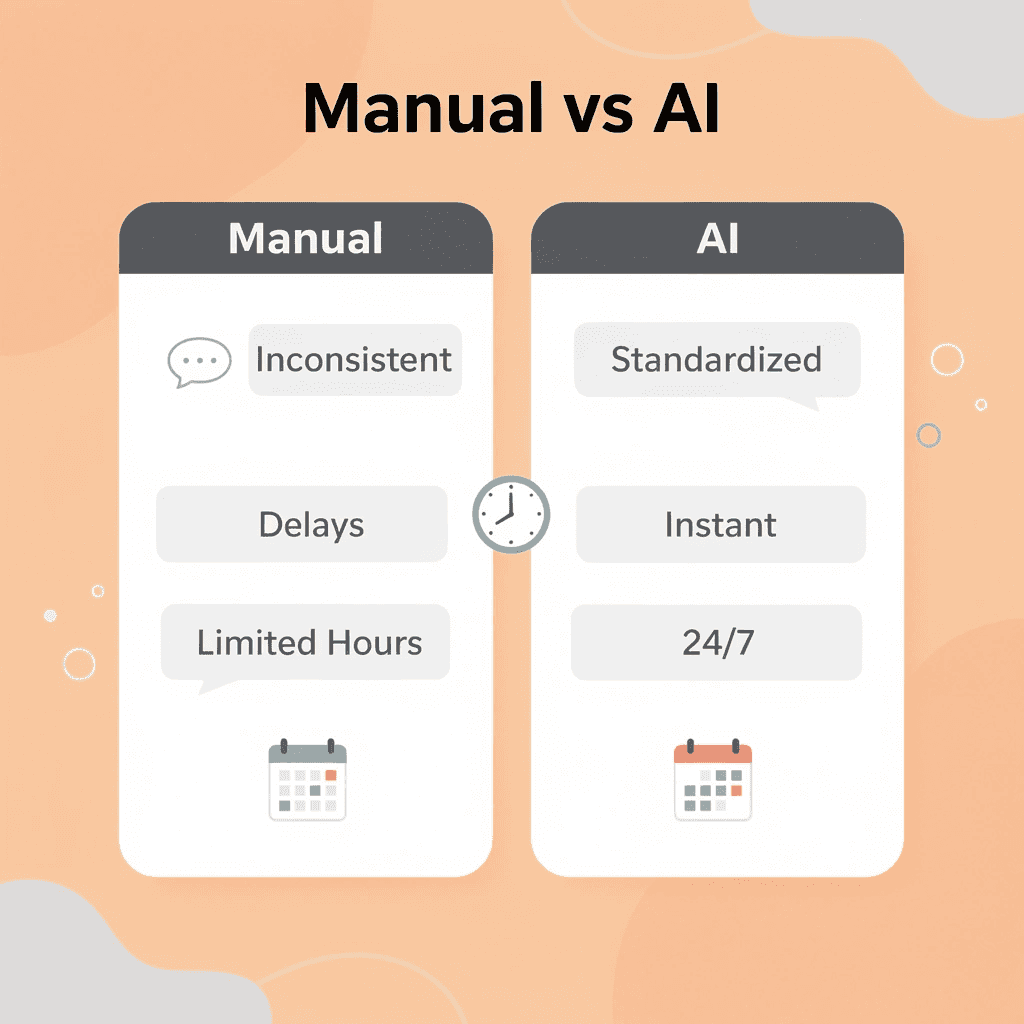
Automation vs manual process challenges
- Manual process issues
- Critical cases missed
- Staff burnout from repetition
- Inconsistent messaging
- Fragmented follow-ups
- Automation solutions
- Automatic urgency detection
- Intelligent task routing
- Standardized communication protocols
- Systematic workflow management

⚠️ Warning: The real problem isn't efficiency—it's that manual patient support creates unpredictable gaps where urgent cases can fall through the cracks, potentially compromising patient outcomes and care quality.
What creates the cognitive bottleneck in manual routing?
Manual patient routing forces staff to make constant micro-decisions about priority. Every phone call, portal message, and fax requires someone to read it, assess its urgency, determine the appropriate department, and pass it along. According to IQVIA, only 12% of new-to-brand specialty prescriptions were successfully filled on the first try in 2025, meaning 88% require follow-up, clarification, or resubmission.
How do structured triage systems eliminate the bottleneck?
Human attention cannot keep up with large volumes of messages while maintaining accuracy. A prior authorization request buried in 200 unread messages goes unrecognized as urgent until someone manually opens it and discovers the patient's surgery is scheduled for tomorrow. Structured triage systems scan incoming communication, identify urgency signals (procedure dates, medication refill timelines, escalation language), and route cases to the appropriate person immediately, eliminating the thinking bottleneck.
How does automation eliminate the self-service gap?
Automation addresses three core problems that manual workflows cannot handle at scale. First, it closes the self-service gap. Tan Tock Seng Hospital's chatbot, Clare, answered over 60,000 routine questions in its first year, reducing call center workload by 40%. Patients received immediate responses to appointment bookings, access to test results, and medication guidance without waiting on hold or repeating information during transfers. Staff time shifted from answering "What time is my appointment?" to resolving complex insurance denials.
Why does standardized communication logic reduce no-shows?
Second, it standardizes communication logic. Automated scheduling systems reduce no-shows by around 30% through consistent, structured workflows: confirmation, a 48-hour reminder, and a day-of check-in. IQVIA reports that hybrid patient support programs combining digital automation with human touchpoints achieve 12-month persistence rates of around 61%, compared to roughly 47% for traditional models.
How do structured workflows prevent dropped cases?
Third, it stops dropped cases through organized workflows. Apollo Hospitals' remote monitoring system sends patient vitals directly to clinical systems and alerts doctors when thresholds are crossed. The system reduced hospital readmissions by nearly 25% in heart failure patients because early warning signs triggered intervention before complications required emergency care. This redesign removes failure points that cause manual processes to break down.
How does automation change what healthcare staff focus on?
Removing repetitive cognitive load changes what staff can focus on. Mount Sinai's RPA implementation automated insurance verification, invoice generation, and the flagging of billing errors. Their finance team reported that claim accuracy improved by more than 80%, with denial rates dropping dramatically. Staff stopped spending energy on repetitive validation tasks and could focus on resolving complex denials that required judgment, negotiation, and problem-solving.
What happens when patient inquiries are automated?
Platforms like conversational AI handle high-volume patient questions through voice-based automation. Our conversational AI sorts routine questions immediately and routes complex cases to human staff, with all information pre-collected. Response times decrease from hours to minutes. Staff can focus on cases requiring human expertise rather than spending time looking up repetitive information.
How does automation address systemic healthcare challenges?
Automation removes the structural conditions that make healthcare work exhausting and error-prone. When triage happens automatically, follow-ups are systematically tracked, and communication is standardized, the system stops relying on individual heroism to prevent failures.
Related Reading
- Ai Customer Support Automation In Telecom
- Best Ai Tools For Customer Support In Healthcare
- How To Use Ai To Improve Customer Service Kpis
- Best Ai Customer Service For Hotels
- It Helpdesk Automation
- How To Use Ai For Customer Service Call Center
- How To Improve Call Center Customer Service
- Best Ai Customer Support Tools For It Teams
- Best Voice Ai For Restaurants
9 Key Applications of Patient Support Services Automation
Automation restructures workflows by removing systemic friction points. When patient support breaks down—scheduling conflicts, documentation errors, billing delays—the same operational gaps appear across facilities. These address a single fix: eliminating manual handoffs that cause delays, errors, and staff exhaustion.

The nine operational functions below show where automation delivers measurable improvements in speed, accuracy, and patient satisfaction. Each represents a place where manual coordination fails under volume, and where systematization transforms outcomes.
1. Streamlined Appointment Scheduling
Manual scheduling creates bottlenecks before patients even arrive. Staff spend hours managing hold times, juggling provider availability, and handling last-minute changes, resulting in missed appointments, frustrated patients who abandon the process, and idle resources.
How do automated scheduling systems solve these challenges?
Self-service portals and interactive voice response systems enable patients to book, reschedule, or cancel appointments without assistance from staff. AI-based routing matches patients with the appropriate provider based on specialization, availability, and intake information.
Real-time calendar integrations prevent double-booking and give teams visibility across facilities. According to Compunnel's analysis of intelligent automation in healthcare, organizations implementing these systems achieve a 30% reduction in administrative costs by eliminating coordination overhead. Automated workflows fill appointments faster, reduce no-shows, and free staff to focus on patients who require human judgment rather than calendar management.
2. Automated Follow-Ups and Patient Engagement
Whether patients improve or return to the system depends on adhering to treatment, taking medicine as prescribed, and attending appointments on time. Manual follow-up relies on someone remembering to call, email, or send reminders—a task easily missed when managing many patients.
What types of automated patient engagement work best?
Automated follow-ups keep things running smoothly without relying on manual reminders. After a visit, patients receive check-in messages via SMS or email based on their preference. Medication reminders send before prescriptions run out, preventing missed doses. Feedback surveys gather information systematically. Re-care campaigns contact overdue patients to increase bookings and appointment compliance. Referral management connects patients with specialists without manual staff coordination.
Why does systematic follow-up improve patient outcomes?
When follow-up becomes a regular system rather than a matter of chance, patients stay involved, hospital readmissions decrease, and satisfaction improves because care feels organized rather than fragmented.
3. Virtual Assistants for FAQs and Intake
Patients don't want to wait on hold for simple requests. Insurance verification, office hours, and fax numbers clog phone lines, interrupt staff workflow, and divert time from clinical care. Virtual agents and chatbots handle these tasks immediately. Insurance verification completes automatically, and pre-appointment screening and symptom checkers guide patients through intake before arrival. Patients complete forms at their convenience while staff focus on cases requiring clinical judgment. Online intake means appointments start on time, staff interruptions decrease, and patients arrive prepared.
4. Patient Scheduling
Manual scheduling creates double-bookings, no-shows, and calendar gaps that waste resources and revenue. Automated appointment scheduling lets patients book online with real-time availability and instant confirmations. Reminder messages via email or text reduce no-shows. Digital calendars give administrators visibility into gaps, enabling quick staff and resource redistribution to match demand. Transparent, self-service scheduling improves resource allocation, reduces wait times, and decreases patient delays.
5. Documentation
Writing down information by hand takes considerable time and can lead to mistakes that affect patient records. Staff members spend hours typing data that could be collected automatically.
What automated solutions improve documentation accuracy?
Templates and smart forms guide healthcare workers through patient consultations, lab reporting, and follow-ups with predefined structures that ensure consistency. Real-time data capture at the point of care keeps patient records current and accurate. Interoperability between pharmacy systems, electronic health records, and billing software eliminates duplicate entry. When medication dispensing documentation is automated, prescription data flows seamlessly across platforms. Pharmacists can access medication histories instantly to make informed decisions. Billing components automatically capture NDC codes and dispensing details, streamlining reimbursement and ensuring audit compliance.
What are the benefits of automated documentation?
Automated documentation frees staff to focus on patient care while improving the reliability of records.
6. Insurance Verification
Insurance verification errors lead to denied claims and lost revenue. When coverage details aren't confirmed before services are provided, organizations bill invalid insurance and face rejections requiring manual rework. Automation tools connect to insurance databases to confirm patient coverage in seconds, enabling instant eligibility checks and accurate co-pay calculations. This upfront verification reduces denials by confirming coverage before services begin. Automatic verification ensures claims process on the first submission, reduces revenue cycle delays, and eliminates staff time spent chasing information that should have been confirmed at intake.
7. Claim Coding
Getting claim codes right determines whether organizations get paid correctly and comply with regulations. Manual coding can lead to lost revenue or legal problems when codes don't match the services provided. Automated code suggestion tools recommend the correct CPT or ICD codes based on entered symptoms or procedures, with built-in compliance checks that flag unusual code combinations or omissions for review before submission. Platforms are updated periodically with the latest coding guidelines, easing training for new staff and reducing reliance on outdated code. Automated coding improves compliance, increases revenue capture, and reduces staff time spent checking code selection.
8. Claim Submission
Manual claim submission consumes hours of administrative time that could be spent on patient care. Staff must manually enter data, complete forms, and track submissions. Single-click submissions automatically populate fields with patient data, while batch processing processes multiple claims simultaneously. Automated dashboards display real-time claim statuses: pending, in review, or approved, enabling staff to follow up promptly on any issues. Automated submission speeds up claims processing, reduces denials, and frees staff to focus on clinical work.
9. Social Media Automation
Managing social media requires regular attention, though you can schedule posts and automatically monitor feeds. Responding to comments remains important. Social media management tools let you schedule content in advance, freeing staff from constant interruptions. Feeds can be viewed through a single interface, eliminating the need to log in to different accounts repeatedly. According to Buffer's research, 85% of businesses use third-party tools to manage their social media marketing. Automation enables consistency without constant manual effort.
What impact does automation have on patient support?
When social media becomes automated, practices maintain their online presence without diverting time from patient support. Platforms like conversational AI automate appointment confirmations, follow-up calls, and routine inquiries through natural voice interactions. Our conversational AI cuts response times from hours to minutes while maintaining the personalized experience patients expect. Automation works when applied to the right functions. These nine applications represent the operational core of patient support: where manual processes fail under volume and where systematization creates immediate, measurable improvements. The question isn't whether automation can help, but whether you're applying it where it matters.
8 Best Patient Support Services Automation Tools Compared for Healthcare Teams
The right automation tool lowers patient risk while integrating into your current systems. Evaluate platforms against healthcare-specific criteria: how they handle patient communication with clarity and empathy, whether they accurately detect urgency in triage scenarios, their HIPAA compliance readiness, EHR and CRM integration depth, and workflow automation capabilities beyond simple message templates.

Generic automation platforms fail in healthcare because they treat every message the same way: a billing question and medication side effect receive identical priority. The tools below were evaluated for their ability to reduce clinical and administrative risk, not for reply speed alone.
🎯 Key Point: Healthcare automation tools must prioritize patient safety and regulatory compliance over basic efficiency metrics like response time.

"Healthcare communication automation requires specialized triage capabilities that can distinguish between routine inquiries and urgent medical concerns to prevent clinical risks." — Healthcare IT Research, 2024
💡 Tip: Look for platforms that offer pre-built healthcare workflows and HIPAA-compliant templates rather than starting from scratch with generic automation tools.

1. Bland AI
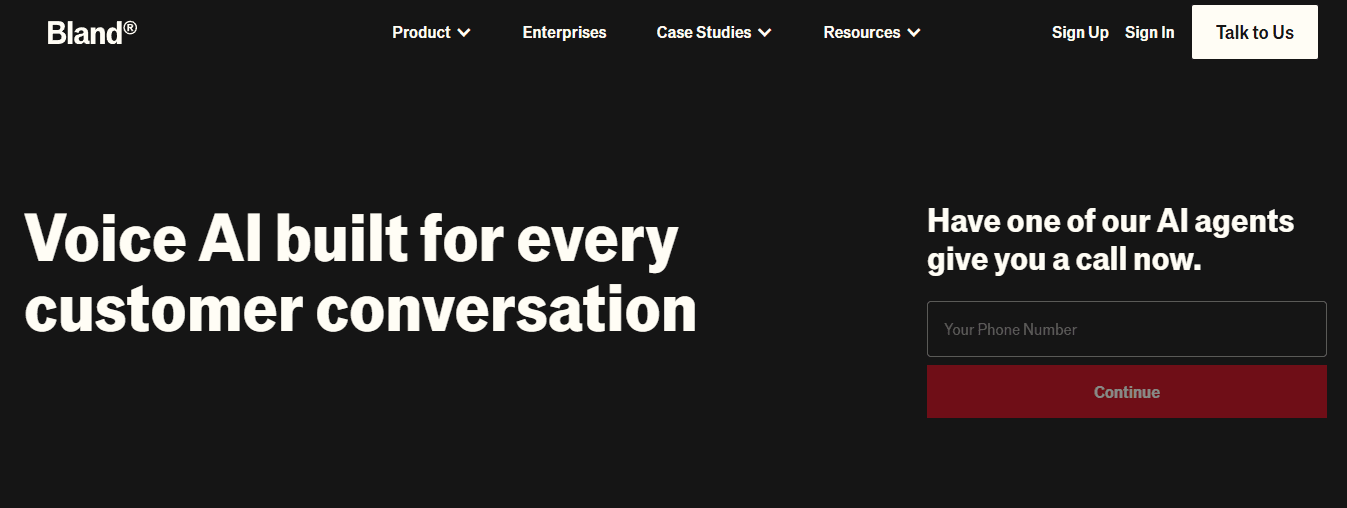
Bland AI delivers conversational AI that replaces traditional call center infrastructure with self-hosted, real-time voice agents for enterprise environments. The platform handles patient inquiries, appointment scheduling, prescription refills, and care navigation through human-sounding voice interactions with instant responses.
What distinguishes Bland AI is enterprise-grade voice automation built for healthcare compliance. The self-hosted deployment model gives organizations complete data control, addressing PHI handling concerns that make cloud-only solutions problematic for many healthcare systems. Voice agents operate 24/7 without the inconsistencies caused by shift rotations, training gaps, or staff turnover.
For healthcare teams managing high call volumes, conversational AI eliminates bottlenecks caused by long hold times and frustrating IVR menus that lead patients to abandon calls. The platform scales immediately during flu-season surges or appointment-booking rushes without adding staff.
Pros
- Real-time voice automation that handles complex patient questions beyond simple routing
- Self-hosted deployment keeps complete data control and compliance oversight.
- Scales instantly during volume spikes without lowering response quality
- Eliminates IVR friction that causes patient abandonment
Limitations
- You need to think carefully about designing conversations to handle tricky medical situations appropriately.
- Organizations need clear steps for when situations require a person with clinical training to make a judgment call.
- Making this work depends on identifying which interactions should go in voice channels instead of text channels.
Who should choose Bland AI?
Large healthcare systems and hospital networks overwhelmed by incoming call volume. Organizations needing voice automation that maintains enterprise compliance standards while delivering a personal patient experience. Teams ready to demonstrate automation capabilities through live testing before full deployment.
2. Wrk
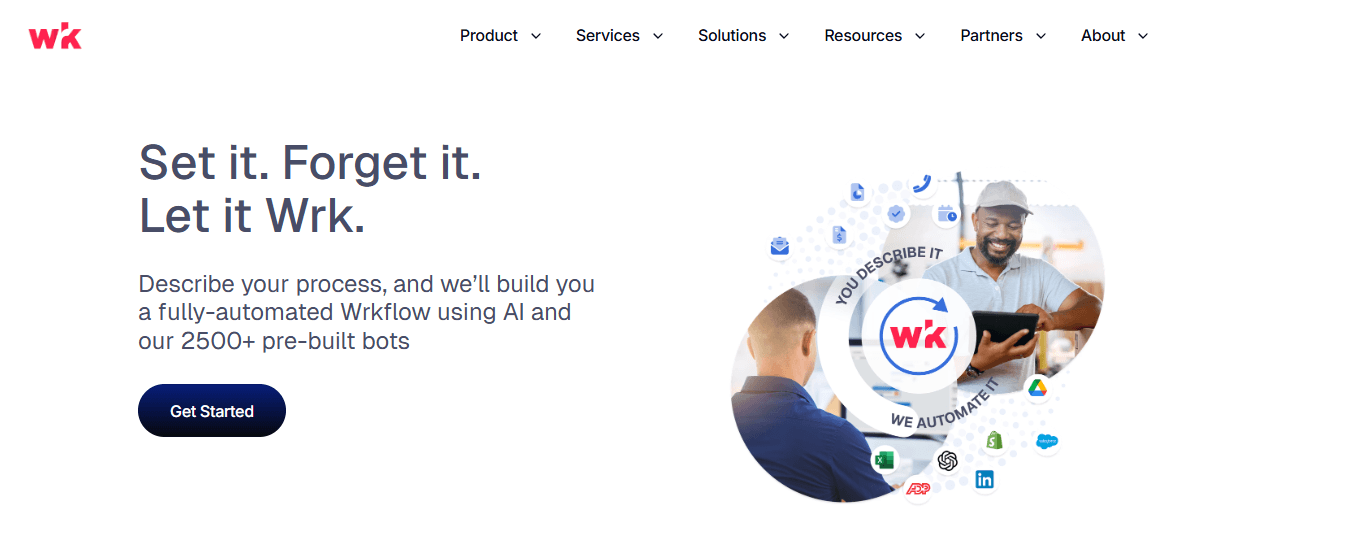
Wrk is a hybrid automation platform that combines AI, RPA, API connectors, OCR, and human-in-the-loop capabilities through a fully managed service model. The platform holds SOC 2 Type II certification and HIPAA compliance, with a library of more than 2,500 pre-built actions for healthcare workflows. Organizations describe their processes to Wrk's team, and custom workflows are built and deployed within 24 hours. This model addresses the reality that mid-sized clinics and hospital systems lack internal IT resources to design, test, and maintain automation infrastructure while managing daily operations.
What healthcare workflows does Wrk automate?
Wrk automates patient record management, appointment scheduling, telehealth coordination, insurance verification, claims processing, and billing workflows. Real-time data integration keeps patient information current across systems while maintaining HIPAA, PIPEDA, and SOC 2 Type II compliance. The hybrid model is especially valuable for handling exceptions. When automated workflows encounter situations that require human judgment, human reviewers step in smoothly rather than allowing the process to fail.
Pros
- A fully managed service eliminates the need to hire automation specialists or train internal staff.
- You can deploy your 24-hour workflow immediately, eliminating long implementation cycles.
- A hybrid human-in-the-loop model handles clinical exceptions requiring human judgment.
- It works with older systems through desktop automation, including Citrix and RDP environments.
- Outcome-based pricing with pay-per-use billing avoids large upfront licensing costs.
Limitations
- Depending on an outside team to make changes to your workflow can create excessive reliance on them.
- Companies that want complete control over how their automation works may prefer self-service platforms.
- If you need custom pricing, you must contact someone rather than view publicly listed prices.
Who should choose Wrk?
Healthcare organizations lacking in-house technical staff for automation. Mid-sized clinics and hospital systems using legacy software without modern API connections. Teams preferring managed services, particularly when patient safety requires human oversight of automated processes.
3. Notable Health
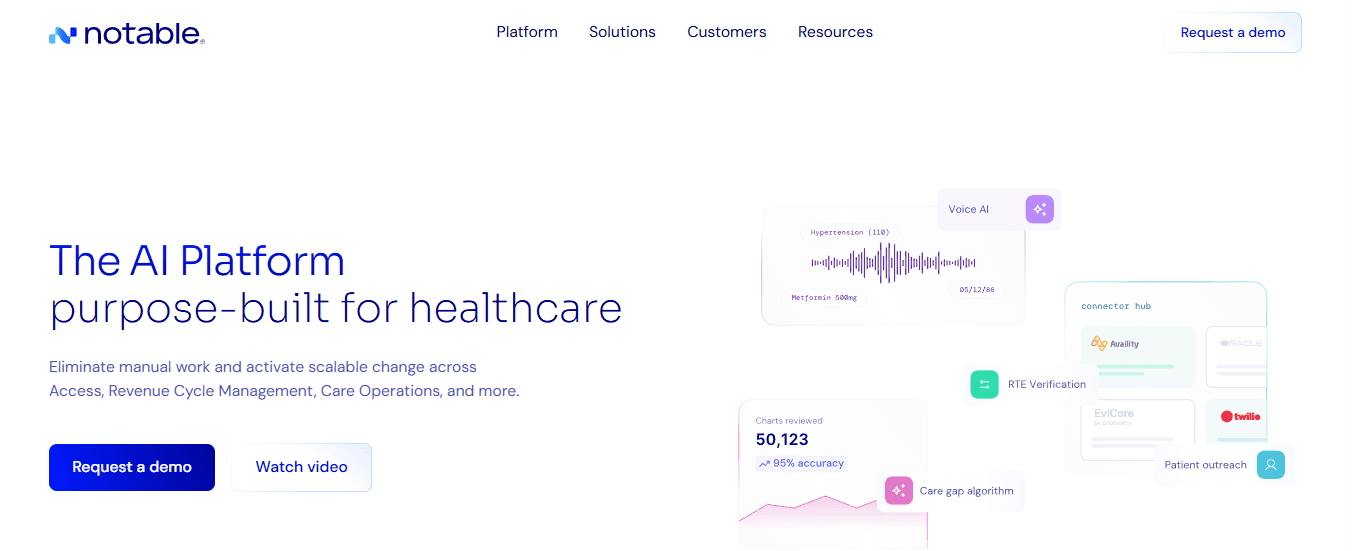
Notable Health is a healthcare-focused AI platform used across more than 12,000 care locations. The platform automates patient-facing and revenue-cycle workflows using AI agents that operate directly within EHR systems, including Epic and Cerner. According to Murphi.ai's analysis of digital patient engagement tools, platforms that integrate natively with existing EHR systems show significantly higher adoption rates and sustained usage. Notable's AI agents read and write directly to EHR systems, eliminating the need for staff to switch between applications.
How does Notable's workflow automation work?
Notable's Flow Builder gives operations teams a simple, low-code way to design and customize workflows without engineering support. Flow AI, the platform's conversational assistant, helps users build automations by describing what they want in natural language. Healthcare systems using Notable report saving over 700 hours of administrative work per provider annually. The platform handles patient registration, appointment scheduling, referral management, prior authorization, care gap outreach, and claims denial resolution through EHR-native automation.
Pros
- AI agents built directly into Epic, Cerner, and Meditech eliminate switching between applications
- Low-code Flow Builder lets operations teams modify workflows without IT support
- Proven success across 12,000+ sites of care demonstrates reliable real-world performance
- Revenue cycle automation handles patient access and financial workflows
- Flow AI assistant accelerates workflow creation through natural language interface
Limitations
- Deep EHR integration requires specific platform compatibility (Epic, Cerner, Meditech)
- Organizations using other EHR systems may experience limited functionality
- Enterprise pricing targets large health systems over small clinics
Who should choose Notable Health
Health systems and hospitals needing deep EHR-native automation for patient access and revenue cycle workflows. Organizations using Epic, Cerner, or Meditech that want automation agents built into existing systems. Large provider networks focused on value-based care and reducing administrative burden through workflow automation.
4. UiPath
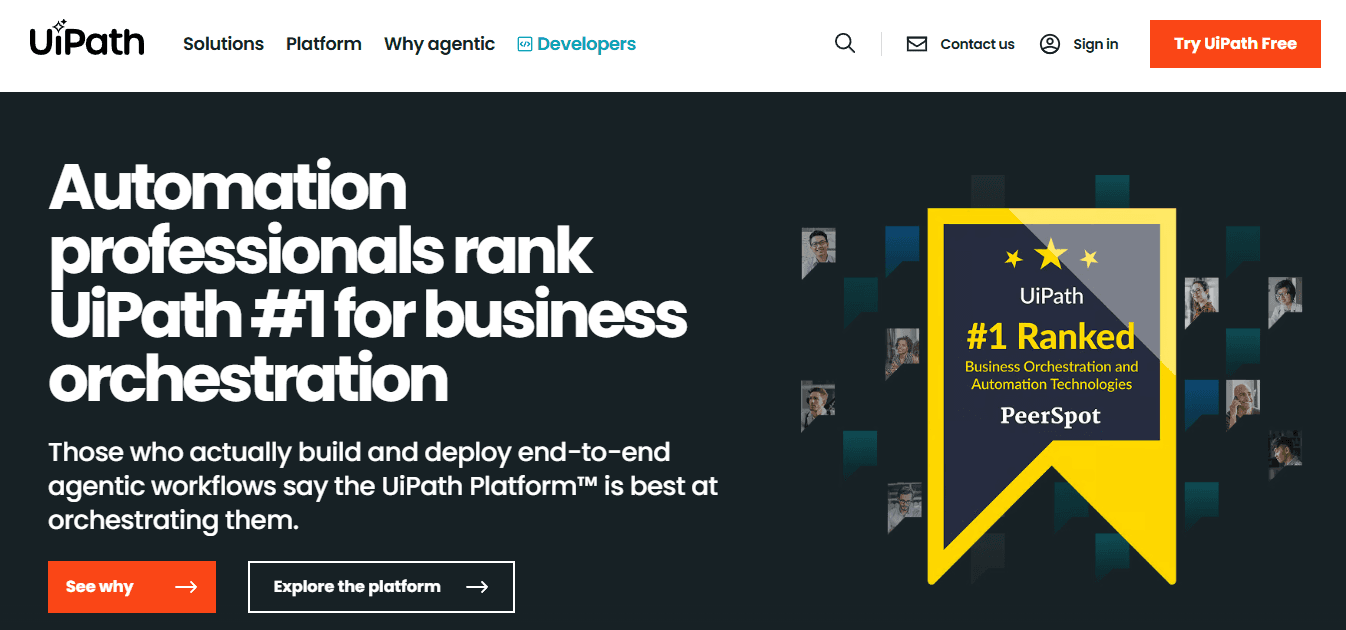
UiPath holds approximately 54% of the RPA market share as the leading enterprise automation platform. In healthcare, it supports claims processing, prior authorization, medical records summarisation, coding automation, and denial management workflows.
UiPath bots work with almost any application, including older EHR systems on Citrix environments without modern API connectivity. Document Understanding uses AI to extract data from scanned records and handwritten clinical notes, addressing the reality that much healthcare documentation remains in non-digital formats.
In February 2026, UiPath announced new agentic AI solutions for healthcare targeting medical records summarization, claim denial prevention, and prior authorization workflows. These capabilities extend beyond traditional RPA screen automation into AI-driven document analysis and decision support.
Pros
- Enterprise-grade RPA handles high-volume unattended workflows running 24/7
- Document Understanding extracts data from scanned records and handwritten notes
- Works with legacy Citrix, RDP, and older EHR interfaces without API requirements
- Process Mining and Task Mining tools identify automation opportunities in existing workflows
- Orchestrator provides centralized bot management, scheduling, and audit logging
- Low-code Studio environments enable technical and business user development
Limitations
- Large organizations need technical skills to build, deploy, and manage RPA programs
- Licensing costs and implementation timelines favor large organizations over small clinics
- Requires internal expertise or consulting support for optimal workflow design
Who should choose UiPath?
Large hospital systems requiring unattended bots for high-volume revenue cycle tasks, organizations with complex legacy system environments needing screen-level automation for systems without APIs, and enterprise IT teams with the technical capacity to manage RPA infrastructure across multiple departments.
5. Keragon
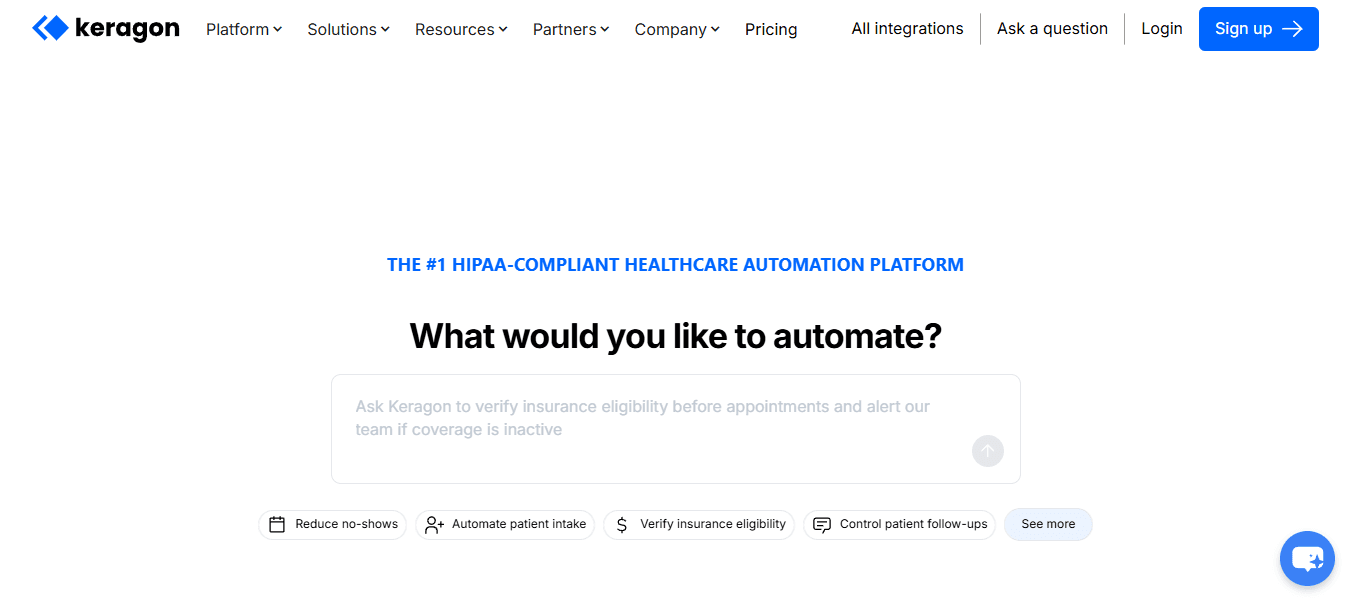
Keragon launched in 2024 as a no-code, HIPAA-compliant workflow automation platform for healthcare. It raised $10.5 million in funding and surpassed 100 paying customers within six months, demonstrating rapid adoption among organizations seeking compliant automation without engineering resources.
The platform works as a HIPAA-compliant alternative to general-purpose tools like Zapier. Its visual builder enables clinical and administrative staff to create workflows connecting EHRs, CRMs, scheduling platforms, and billing tools without code. All paid plans include BAA execution, SOC 2 Type II certification, AES-256 encryption, and a 7-day data retention policy. Keragon's AI assistant automatically sets up workflows from natural language descriptions, addressing the gap between what healthcare staff needs automated and their ability to configure those needs technically.
Pros
- A no-code visual builder for healthcare staff without development skills.
- Over 300 pre-built integrations with healthcare-specific systems, including major electronic health records (EHRs).
- HIPAA compliant with a Business Associate Agreement (BAA) on all paid plans, SOC 2 Type II certification, and AES-256 encryption
- AI-powered workflow creation from natural language descriptions
- Pre-configured templates for patient intake, referrals, billing, scheduling, and lab orders
- Fast deployment timeline suitable for small to mid-sized organizations
Limitations
- The newer platform lacks the production history of established enterprise RPA vendors.
- The pre-built integration library may not cover highly specialized or regional EHR systems.
- The no-code simplicity may require custom development for complex workflow logic.
Who should choose Keragon?
Small to mid-sized clinics needing HIPAA-compliant automation without engineering resources.
6. Olive AI

Olive AI focuses on automating repetitive administrative tasks across healthcare operations, particularly in revenue cycle management and payer-provider interactions. The platform uses AI-powered digital workers to handle processes like eligibility checks, prior authorizations, and claims follow-ups. What sets Olive apart is its emphasis on reducing administrative overhead tied to insurance workflows. These tasks often consume significant staff time while contributing little to direct patient care, making them ideal candidates for automation. Healthcare organizations use Olive to bridge gaps between payer systems and provider workflows without requiring major infrastructure changes. The platform integrates across systems to streamline communication and reduce manual data entry.
Pros
- Reduces administrative burden in revenue cycle workflows
- Automates payer-provider communication tasks
- AI-driven digital workers operate continuously without fatigue
- Helps improve claim accuracy and reduce denials
Limitations
- Focused heavily on revenue cycle use cases rather than full patient engagement
- Requires integration planning across payer systems
- May not address front-end patient communication needs
Who should choose Olive AI
Healthcare organizations struggling with insurance-related administrative overload. Revenue cycle teams aiming to reduce denials, speed up reimbursements, and minimize manual follow-ups.
7. Luma Health
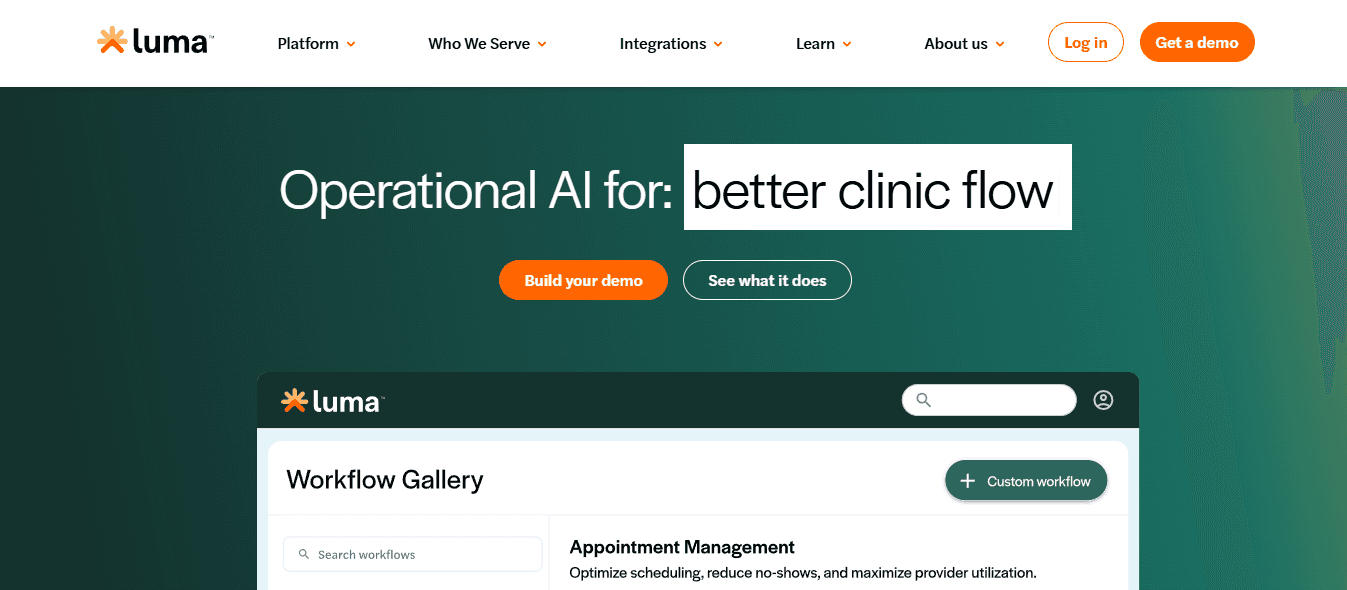
Luma Health specializes in patient engagement automation, helping healthcare providers manage scheduling, reminders, and communication through text messaging and digital channels. The platform focuses on improving access to care by reducing missed appointments and simplifying patient-provider interactions. Automated outreach handles appointment confirmations, waitlist management, and recall campaigns without requiring staff intervention. Luma’s strength lies in its patient-friendly communication approach. Instead of complex portals or phone systems, it meets patients where they already are—via SMS and mobile communication.
Pros
- Strong patient engagement through SMS-based communication
- Reduces no-shows with automated reminders and confirmations
- Simplifies scheduling and waitlist management
- Improves patient access without increasing staff workload
Limitations
- Less focused on back-office automation like billing or claims
- Depends on patient responsiveness to messaging channels
- Limited functionality outside patient communication workflows
Who should choose Luma Health?
Clinics and outpatient centers focused on improving patient communication, reducing no-shows, and streamlining scheduling without overhauling backend systems.
8. Hyro
Hyro provides conversational AI designed specifically for healthcare, enabling organizations to automate patient interactions across voice and chat channels. The platform uses natural language understanding to handle inquiries, book appointments, and navigate across healthcare services. Unlike rigid chatbot systems, Hyro emphasizes context-aware conversations that adapt to patient intent. It integrates with existing healthcare systems to provide real-time responses without unnecessarily exposing sensitive data. Hyro is particularly useful for organizations aiming to create consistent omnichannel experiences across websites, call centers, and messaging platforms.
Pros
- Conversational AI across voice and chat channels
- Context-aware interactions improve patient experience
- Omnichannel support for consistent communication
- Reduces call center workload and response delays
Limitations
- Requires thoughtful setup to ensure accurate medical communication
- Performance depends on integration with backend systems
- May need ongoing tuning for complex patient scenarios
Who should choose Hyro
Healthcare organizations aiming to modernize patient communication with AI-driven chat and voice automation. Teams seeking to unify digital and call center experiences under a single conversational platform.
Choosing the Right Tool for Your Healthcare Team
Not all Patient Support Services Automation tools solve the same problem. Some focus on voice automation, others on backend workflows, and others on patient engagement.
The right choice depends on where your bottlenecks are:
- High call volume → conversational AI platforms
- Administrative overload → RPA and workflow automation tools
- Patient engagement gaps → messaging and scheduling platforms
Matching the tool to the specific operational challenge ensures that automation improves care delivery rather than complicating it.
Related Reading
- Best Ai For Insurance Agents
- How Is Ai Helping In The Healthcare Industry
- Lindy Ai Alternative
- Best Ai Tools For Insurance Customer Service
- Relevance Ai Alternative
- Botpress Alternative
- Best Ai Voice Agents For Insurance
- Lindy Ai Vs Zapier
If Patient Calls Are Where Delays Happen, That's Where Automation Has to Start
When patient support depends on manual call handling, breakdowns occur. Missed calls, long hold times, and inconsistent responses delay care coordination and increase the risk of patients falling through the cracks.

🎯 Key Point: Adding more staff doesn't solve the fundamental problem—it just scales the inefficiency.
Most organizations respond by hiring more staff or extending hours, increasing cost without solving the core problem: every call still depends on a human to sort through and route information in real time.

"Every manual call creates a potential delay point where critical patient information can be lost or misrouted, directly impacting care quality."
Conversational AI replaces that bottleneck with real-time voice agents that answer instantly, handle inquiries consistently, and route conversations based on urgency and context. Our Bland system remains continuously responsive, with no gaps, handling every interaction quickly and accurately.
💡 Tip: The best automation strategy starts where delays are most frequent—patient calls are typically the highest-volume, highest-impact touchpoint.
Book a demo to see how your current call workflows would be handled and evaluate where automation reduces delays, improves consistency, and strengthens patient support.