How to move a cloned voice to Bland Speech (2026)

Samuel Oram-Jones, 7 min read
A cloned voice does not travel between providers as a voice ID. Bland says a voice ID is provider-specific and cannot be reused, so what a team carries to Bland Speech is the original recording and the speaker's agreement, and the voice itself is built again from them.
That makes a move a re-clone, and a re-clone is short work for a team that kept its audio. Bland says an instant clone takes one clean sample of about 10 seconds and is ready in about a minute, and a team that lost its recordings needs the speaker to record again.
Can a cloned voice be moved to Bland Speech?
No, a clone from another provider can't be moved to Bland Speech as a voice, because voice IDs are provider-specific and Bland says they cannot be reused; a team re-clones the voice from its original recordings, with the speaker's consent.
Consent is given again too: Bland asks the customer to confirm that every voice is theirs to use, so the confirmation is given afresh for each new clone, and a professional clone also passes Bland's consent and rights review before it is trained.
What carries over is audio. A team that kept the sample a clone was made from, or the longer recordings behind a professional voice, has what it needs, and a team that has only a voice ID at a closed provider has a gap that only a new recording fills.
Why would a team re-clone a voice in 2026?
A team re-clones a voice in 2026 when the provider holding it has closed or stopped taking customers: LMNT has shut down, Resemble AI stopped selling text to speech and cloning to new customers in August 2026, and Google no longer accepts access requests for Chirp 3 Instant Custom Voice, as of November 2026.
LMNT's own site says "LMNT has shut down" and "Our speech generation journey has come to an end," with no date. Resemble AI says it is supporting its existing customers but not taking new ones, and says it is "not selling voice AI to new customers." Google says access to Chirp 3: Instant Custom Voice can no longer be requested and points to voice replication in Gemini 3.8 TTS, which is in Preview. PlayHT's website address no longer resolves.
OpenAI is a different case, because its TTS models (tts-1, tts-1-hd, and gpt-4o-mini-tts) are deprecated and will shut down on 6 January 2027, and teams on them have a guide to migrating from OpenAI TTS. A team on a working provider can move a clone too, and the steps are the same.
What does a team need before re-cloning a voice?
A team needs the original recording of the voice, one clean sample of about 10 seconds for an instant clone or 30 minutes or more of audio for a professional one, and the speaker's agreement to a new clone.
Bland says the quality of the sample sets the ceiling on the quality of the voice, so the sample is worth trimming properly:
- One speaker, clearly enunciated.
- No background noise, music, or reverb.
- At least 100 milliseconds of silence at each end, so nothing is clipped mid-word.
- Emotional variety in the delivery, which Bland says yields a more expressive clone.
An instant clone takes exactly one audio file of up to 10 MB, and WAV is the recommended format. A professional clone is fine-tuned on 30 minutes or more of audio, which is a recording session more than a file, and it goes through Bland's consent and rights review. Bland's guide to how much audio it takes to clone a voice and its post on instant vs professional voice cloning go through that choice in full.
What are the steps to move a cloned voice to Bland Speech?
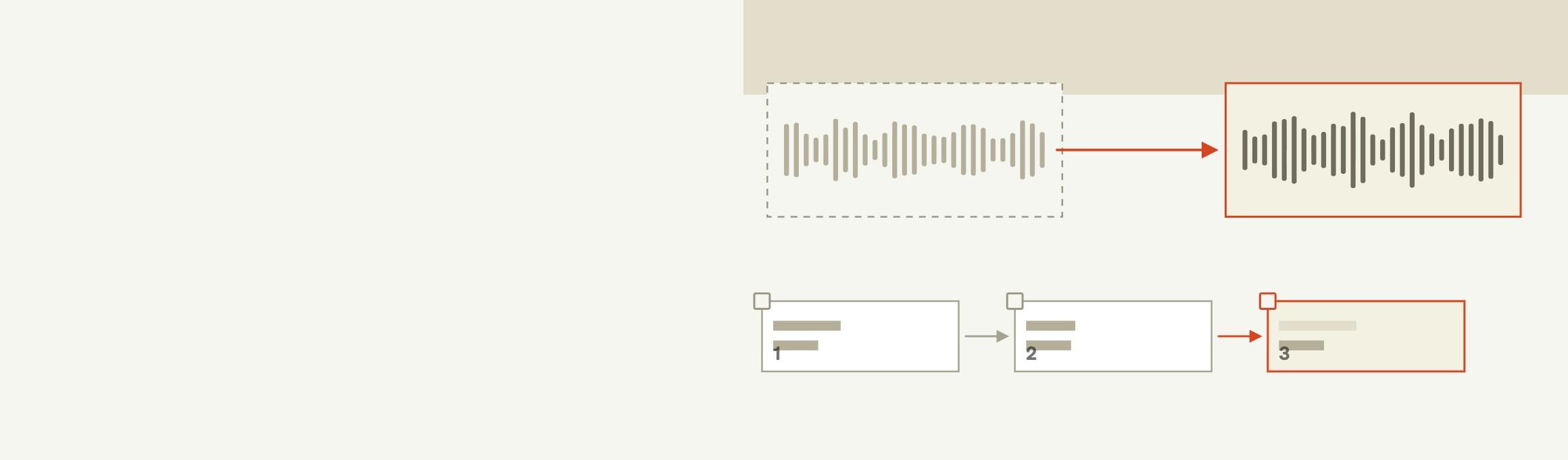
Moving a cloned voice to Bland Speech takes eight steps: gather the audio, choose instant or professional, trim the sample, create the clone, confirm the rights, save the new voice ID, swap it into speech requests, and test it on the audio path that will carry it.
- Gather the original recordings. A clone is built from audio, so the recording behind the old clone is the starting point. Where it no longer exists, the speaker records a new one, and the speaker agrees to the new clone and its use before anything is uploaded.
- Choose instant or professional. An instant clone needs one clean sample of about 10 seconds and is ready in about a minute on the BTTS V3 engine, which is the default. A professional clone is fine-tuned on 30 minutes or more of audio.
- Trim the sample. One speaker, no noise, music, or reverb, at least 100 milliseconds of silence at each end, and some range of emotion in the delivery.
- Create the clone. In the dashboard that is Voices, then Studio. Through the text to speech API, Bland's Clone Voice endpoint takes a multipart form with a name of 1 to 30 characters that is unique in the library, one audio file of up to 10 MB, and an optional gender and description.
- Confirm the rights. The customer confirms that the voice is theirs to use, and a professional clone passes Bland's consent and rights review for the voice being cloned before training begins.
- Save the new voice ID. The clone is private to the customer's organization and usable immediately, and the response returns a UUID as
voice_id. - Swap the ID into speech requests. The new UUID replaces the old provider's voice ID in the
voicefield of a speech request, over HTTP at/v2/ttsor over a WebSocket at/v2/tts/wsfor live conversation. A WebSocket connection fixes its voice for the life of the connection, so changing voices means opening another one. - Test it on the path that carries it. A phone line takes 8 kHz mu-law audio, which Bland offers for telephony, and a clone that sounds wrong when it switches languages, or speaks one missing from the sample, is fixed by cloning again from a recording that contains those languages, not by changing settings.
A request that speaks with the new voice and asks for phone audio looks like this:
{
  "text": "Thanks for calling. How can I help?",
  "voice": "4cc89edf-c4b7-4df8-98c5-f8548fcd7c62",
  "audio": { "encoding": "mulaw", "sample_rate": 8000 }
}
The voice value is the UUID from the clone response, and the example UUID above is the one Bland prints in its own Clone Voice response. A team moving a whole integration, not only its voices, also changes the endpoint, the audio settings, and how turns are sent, and Bland keeps provider guides for that, with PlayHT and ElevenLabs covered in their own posts.
What changes in cost, and what cannot move?
A move changes the bill to $0.04 per 1,000 characters ($40 per million), pay as you go with no monthly plan, and it leaves behind the old voice ID, which cannot be reused.
A new account gets 50,000 free characters once, which Bland puts at nearly an hour of speech, so a clone can be tried on real scripts before a team cuts over. Bland bills characters as delivered: a request that fails before any bytes are written is not charged, a fully delivered request is charged for its whole text, and each request carries a minimum charge of $0.001. Bland's voice cloning API pricing comparison sets that against what other providers charge to make and keep a clone.
What cannot move is the voice built at another provider. A team that wants the old voice and the new one to sound alike has the same speaker and the same recording to work from, and Bland says the sample sets the ceiling, so the second clone is only as good as the audio it starts from.
Pros
- An instant clone from one clean sample of about 10 seconds, ready in about a minute
- Clones private to the customer's organization and usable immediately
- Professional clones go through a consent and rights review
- Phone audio as 8 kHz mu-law from the same speech endpoint
Cons
- More than a hobby project needs, because Bland Speech is built for production calls
Every provider is listed on the text to speech comparison hub, the voice cloning comparisons group the cloning pages, and Bland Speech is where a re-cloned voice is made.
Frequently asked questions
Can a cloned voice be exported from another provider and imported into Bland Speech?
No, a clone cannot be imported, because Bland says voice IDs are provider-specific and cannot be reused. A team re-clones the voice on Bland Speech from the original recording, with the speaker's consent.
How long does it take to move a cloned voice?
An instant clone is ready in about a minute on Bland Speech once a clean sample of about 10 seconds is uploaded. A professional clone is fine-tuned on 30 minutes or more of audio and passes a consent and rights review for the voice being cloned.
How much audio does a re-clone need?
An instant clone needs one clean sample of about 10 seconds, in one file of up to 10 MB, and a professional clone needs 30 minutes or more of audio. Bland says the quality of the sample sets the ceiling on the quality of the voice.
Does the speaker have to agree again?
Yes, because the confirmation is made for each clone on Bland Speech: the customer confirms that every voice is theirs to use, and a professional clone also goes through Bland's consent and rights review.
Will the new clone sound the same as the old one?
A re-clone is a new voice built from the same speaker's audio on Bland Speech's BTTS V3 engine, so it is judged by listening, not assumed. Bland says the sample sets the ceiling, so a clean recording with no noise, music, or reverb gives the best start.
Can a cloned voice work on a phone call?
Yes, a clone's voice ID goes into the same speech request as any other voice, and the request can ask for 8 kHz mu-law audio, the format a phone line uses.
Can another team use a clone made in an organization?
No, a clone is private to the organization that made it, and Bland asks the customer to confirm that every voice is theirs to use.


